01 / 03
Know what is happening. As it happens.
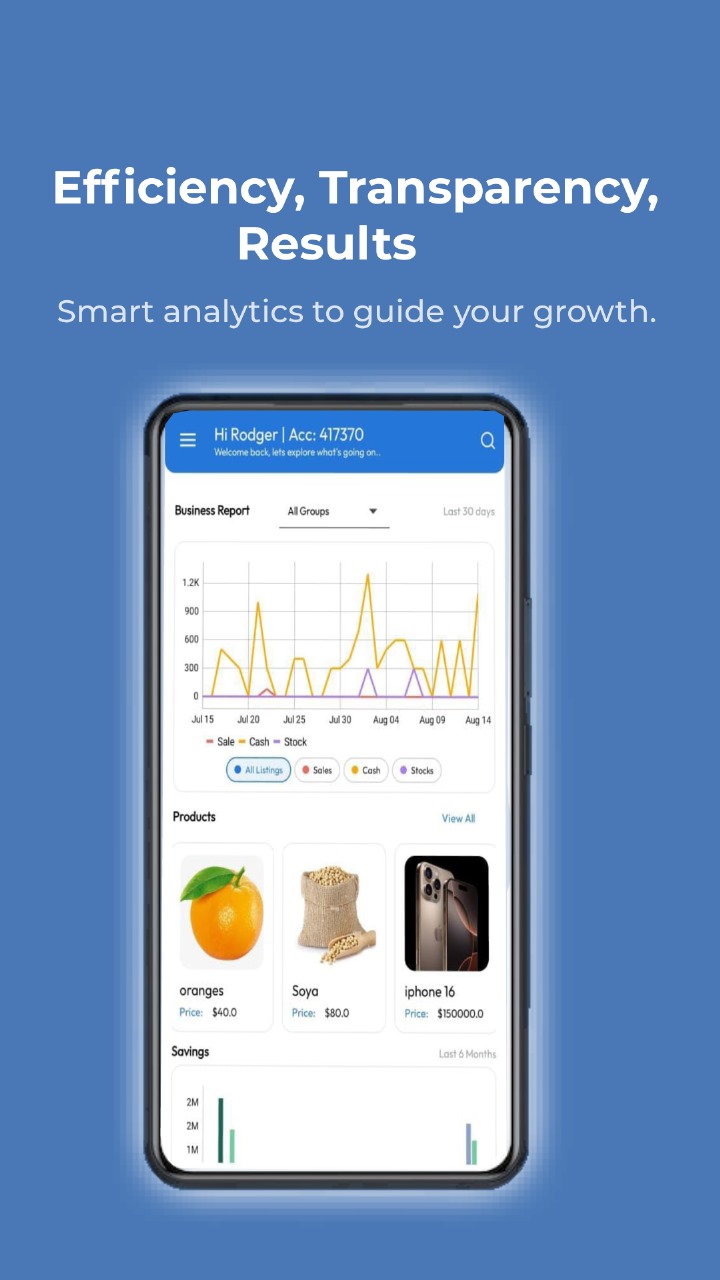
See business performance, balances and activity in one clear view—so the next decision is based on facts.
Built for the way Africa does business
One connected financial workspace for SACCOs, Chamas and growing businesses. Save, lend, sell, communicate and make better decisions—without switching systems.
Free to get started · Android & Windows · iOS coming soon
Built for everyday ambition
01 — The platform
KIT-IFMS replaces scattered spreadsheets, disconnected chats and manual records with a clear, shared view of your money and operations.
See business performance, balances and activity in one clear view—so the next decision is based on facts.
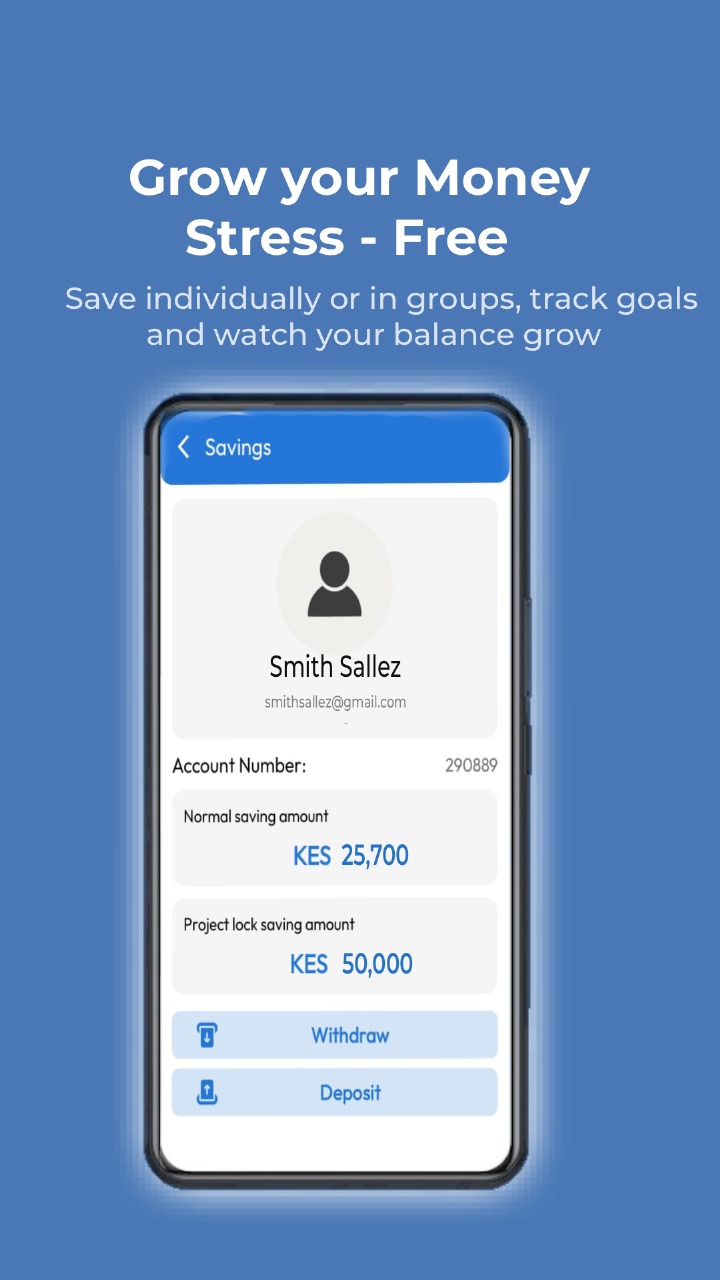
Build individual and group savings with visible goals and balances.
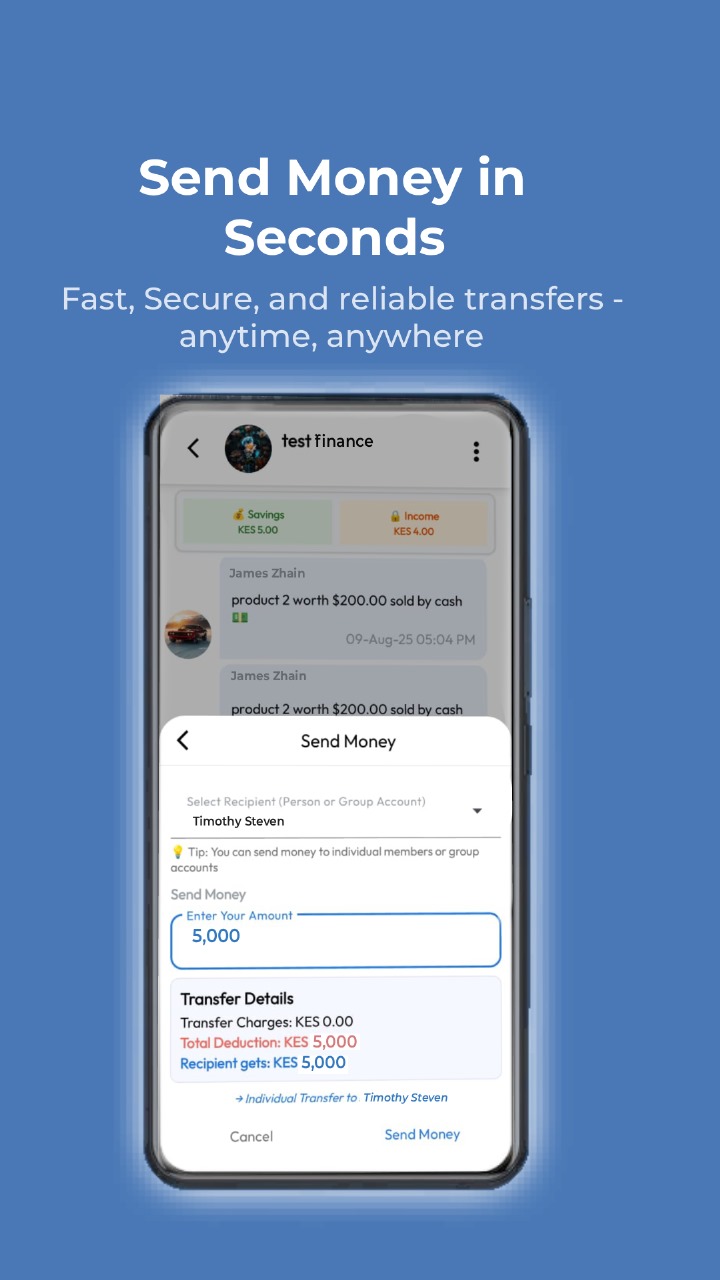
Fast, secure transfers for members, groups and businesses.
02 — Everything connected
Secure access control and complete member administration.
Direct lending between members and groups with flexible terms.
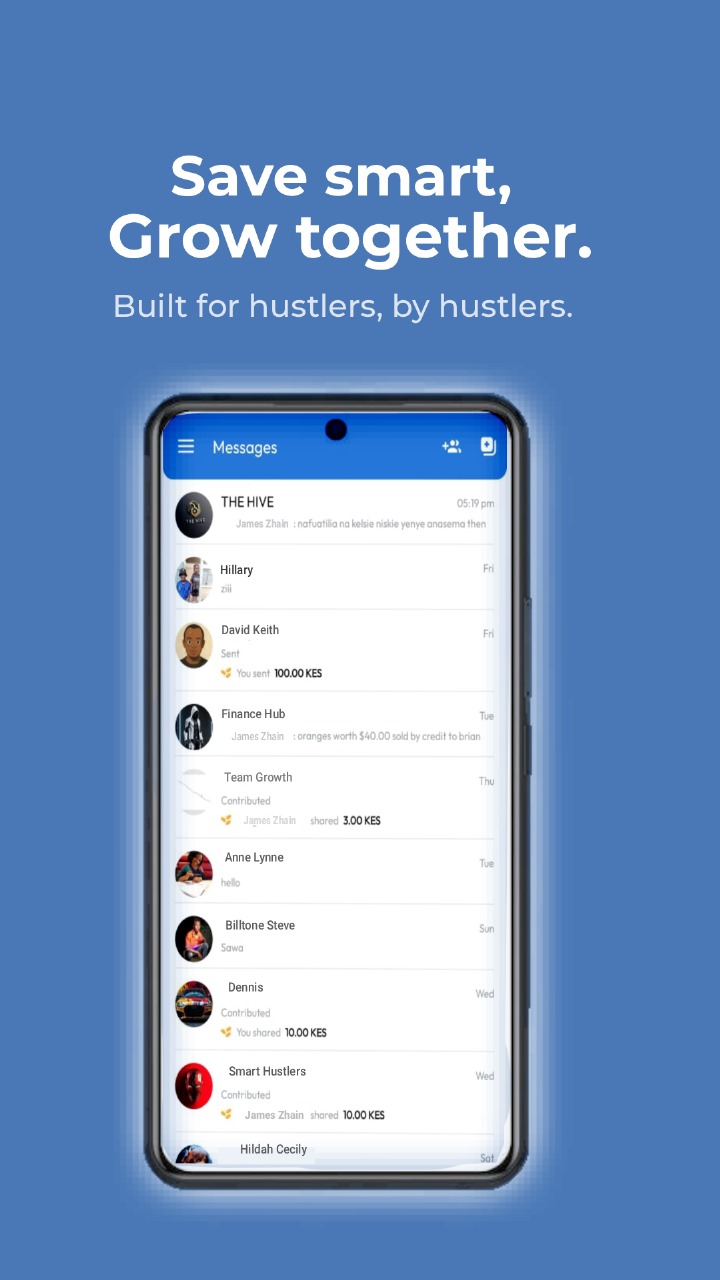
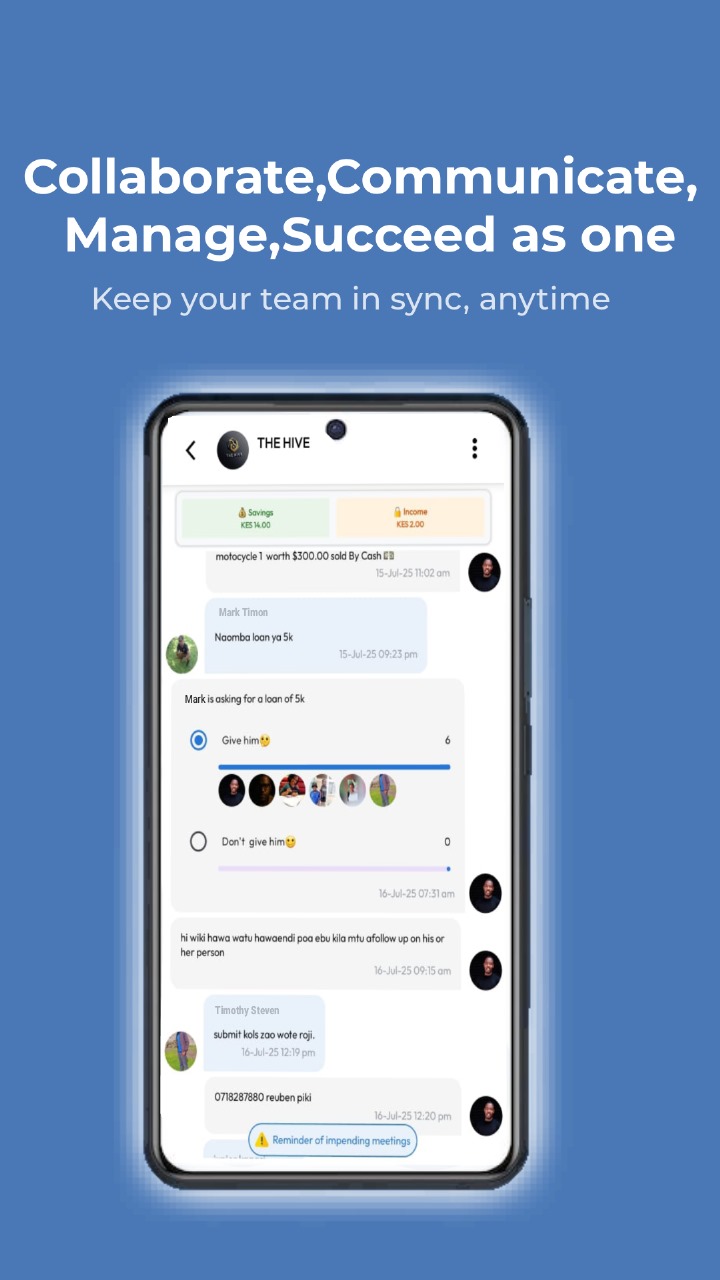
Keep stakeholders aligned with conversations where work happens.
Manage stock, sell products and understand every transaction.
Streamline group savings, loans and investment activities.
Turn real-time operational data into confident decisions.
03 — Designed for real work
04 — How it works
Clear, step-by-step guidance for everyday tasks in KIT-IFMS.
05 — Built for Africa
KIT-IFMS brings informal sector players into one transparent digital ecosystem—reducing cost, improving efficiency and opening new paths to growth.
Active Chamas
Transaction value
Countries: Kenya, Uganda & Tanzania
Unite communities under a shared financial ecosystem.
Automate operations and reduce unnecessary costs.
Enable flexible peer-to-peer lending between members.
Give every member access to transparent, real-time data.
06 — Our team
Your next move starts here
Download KIT-IFMS and bring your finances, people and operations into one place.